Content Strategy · Frontend Dev · SEO · UX/UI
Rosemont College Web Refresh
Led the redesign of Rosemont College’s website: sitemap, UX, content audit, brand style guide, and a new homepage in Omni CMS. Over 12 months, site health rose from 40 to 80, with 28% more users and 32% more new users.

Results over 12 months
- Site health scoreSEMrush
- 40 → 80
- UsersGoogle Analytics
- +28%
- New usersGoogle Analytics
- +32%
- SessionsGoogle Analytics
- +10%
Context and challenge
Rosemont is a small liberal arts college on Philadelphia’s Main Line. Its website had no governance, weak SEO, an inconsistent voice, and chaotic information architecture.
As a small organization, Rosemont relied on me for most of the work: managing the project, designing and building new layouts and assets, and running a content audit, with help from the vendor PS&L.
Site health, UX, and SEO
I fixed broken links and duplicate content and brought the site up to WCAG and brand standards. Over 12 months, site health doubled from 40 to 80, above the education-sector benchmark, and broken pages were nearly eliminated.
Information architecture and user flows
I started by mapping an ideal information architecture around what users needed, which produced a new sitemap and user flows. A content audit then catalogued every error and opportunity on the existing site.
Homepage design and implementation
I gathered requirements from stakeholders, wireframed, then moved to detailed, full-color prototypes, working alongside outside vendors. The homepage was built in Omni CMS with HTML/CSS, JavaScript, and XML/XSL, and is responsive and WCAG-compliant.

Brand style guide
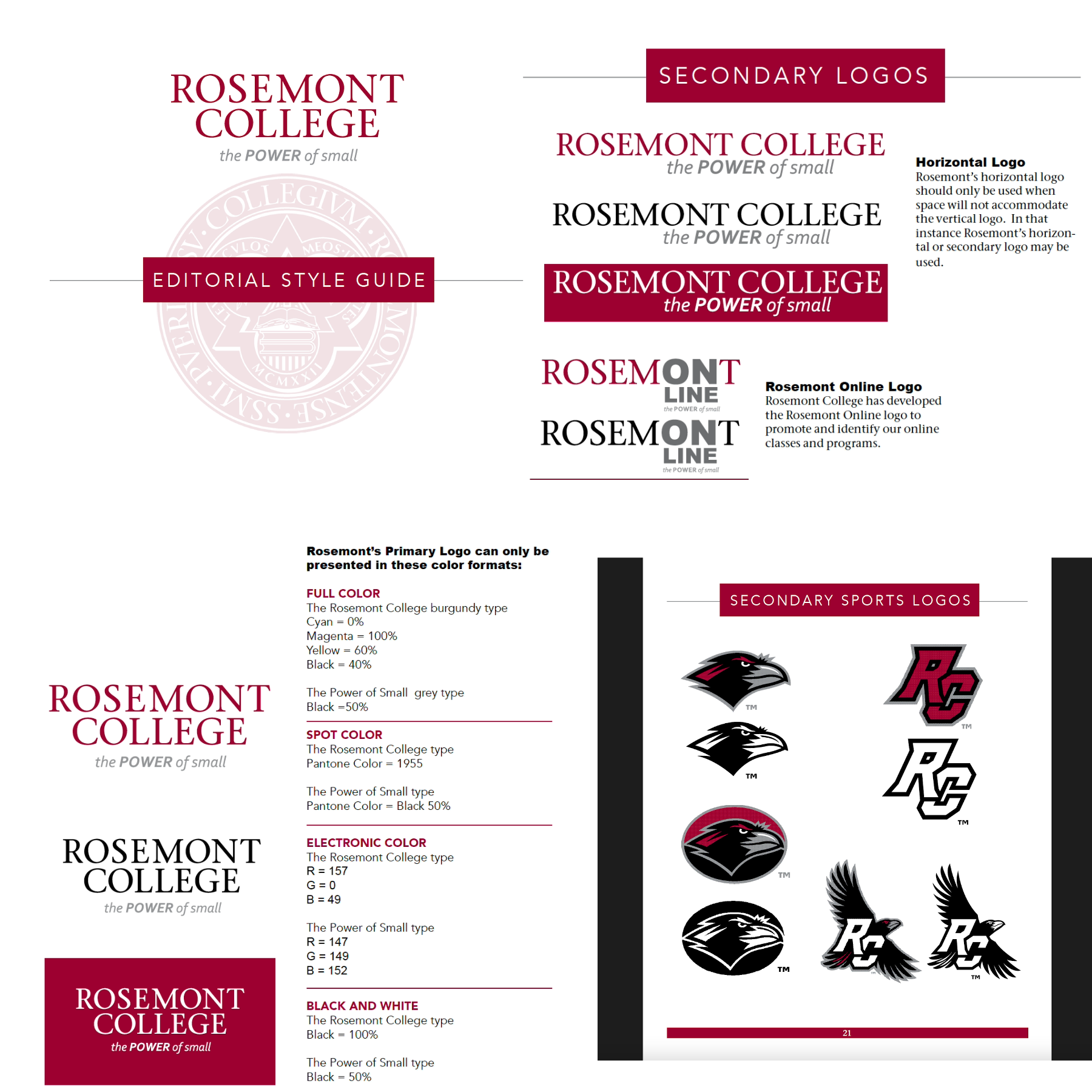
With the in-house graphic designer, I drafted a style guide covering logo use, colors, writing conventions, and typography, so digital and print finally felt like one brand.
UI components
I built components in HTML/CSS, Bootstrap, JavaScript, and XSL/XML for testimonials, programs, calls to action, and featured content. Clear navigation markers and callouts cut clutter and reduced one-off content decisions.